
1. Copy the video link
In the lower-right corner of Kwai, there is a Share button. Just tap it and choose Copy link.
Save your favorite Kwai videos
If you need to download videos from Kwai, we can help. Just follow the steps below.
In the lower-right corner of Kwai, there is a Share button. Just tap it and choose Copy link.
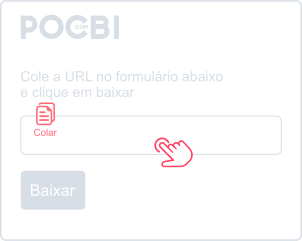
With the video link copied, press and hold the form above for one second and choose Paste.
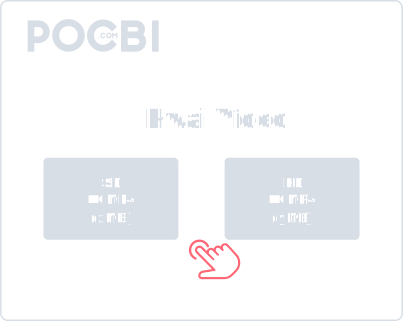
Now just choose the video quality you want to download and wait for the file to become ready.
Always check the list of supported sites to stay up to date.
Yes. Our tool is designed to download Kwai videos without a watermark. The final file is delivered clean so you can keep it for personal viewing or republish it when you have the right to do so.
No. Our platform downloads Kwai videos directly in the browser. You do not need to install any extra app or software on your phone or computer. Just open the site, paste the link, and download.
Yes. The tool is compatible with almost any device and operating system, including Windows, Mac, Linux, Android, iPhone, and iPad.
After the download finishes, the file is usually saved in the Downloads folder on both mobile and desktop. On mobile, you can often also find it in the gallery.
No. The download feature is unlimited and free for site users. The only restriction is against automated extraction methods that would harm service availability.
Yes. All of Pocbi's social video download features are free to use.
Personal-use downloads are generally acceptable, but you should always respect copyright and the creator's usage rights. Do not republish or use the content commercially without permission.
Common reasons include a private video, a broken or incomplete link, or temporary platform restrictions. Check whether the video is public and whether the link is correct.